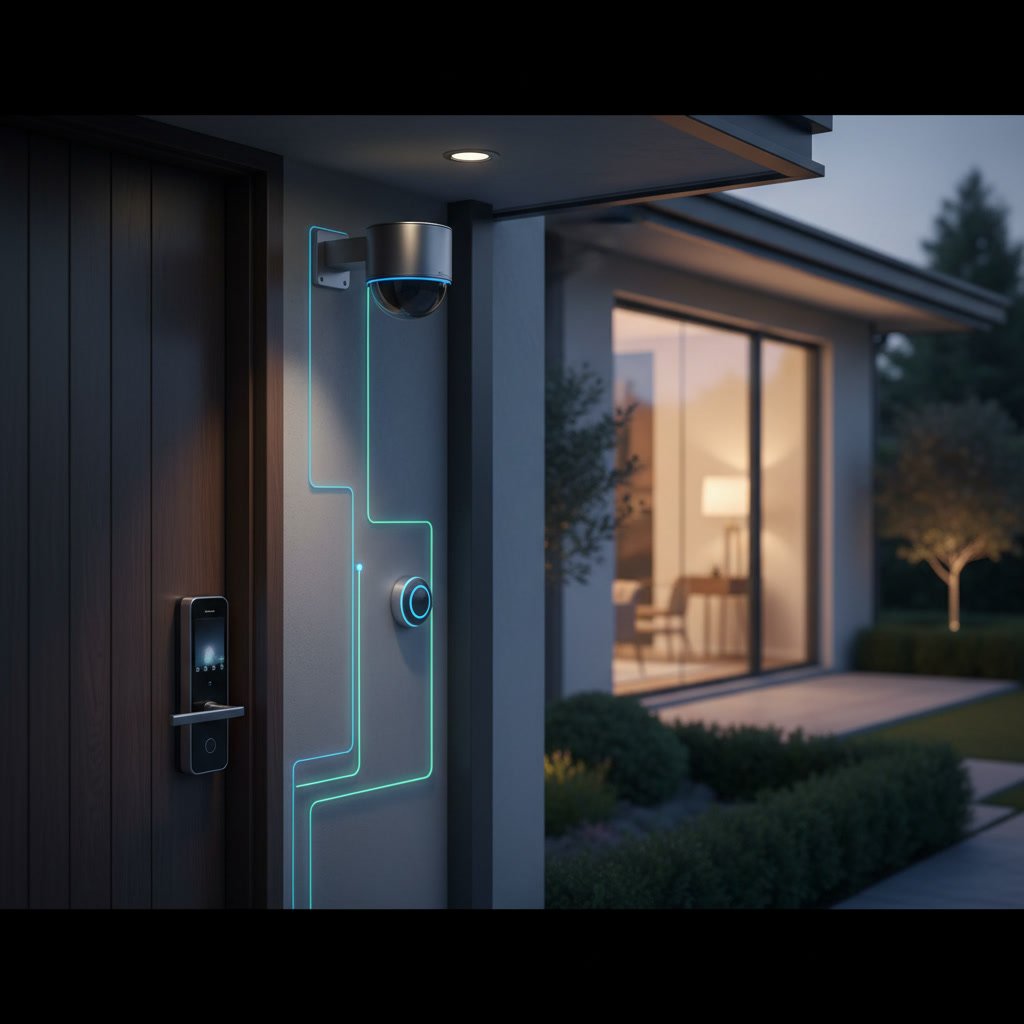
When cameras integrate smart locks, they create a unified security ecosystem where visual verification and access control work as one system. The camera captures activity at your door while the smart lock controls who enters, and both devices share data through a central hub or app. This integration allows you to see who is at your door and remotely grant or deny access without managing separate systems. The combination delivers layered protection that standalone devices cannot match.
The Rise of Connected Home Security
Home security has shifted from independent alarm systems and deadbolts to networked devices that communicate in real time. Wireless protocols like Z-Wave, Zigbee, and Wi-Fi make it possible for cameras and locks to exchange information instantly. Homeowners now expect their security devices to work together rather than operate in isolation. This shift has created demand for professional installation services that understand both lock installation and digital network configuration.
What Integration Actually Means for Your Security Setup
Integration goes beyond placing a camera near a smart lock. True integration means the devices share a communication protocol and can trigger actions in each other. When someone approaches your front door, the camera detects motion and wakes the smart lock from low-power mode. If the lock is engaged or disengaged, the camera can automatically start recording a video clip. Both devices send alerts to the same mobile app, giving you a single dashboard to monitor entry points. This synchronization reduces blind spots and ensures you never miss critical events.
Core Technologies That Enable Device Communication
Most integrated systems rely on a central hub that acts as the translator between devices. The hub connects to your home router and uses wireless protocols to communicate with locks and cameras. Z-Wave operates on a dedicated frequency to avoid Wi-Fi congestion, while Zigbee uses mesh networking where each device extends the signal range. Some premium systems use proprietary protocols for faster response times. Understanding which protocol your devices use is essential before purchasing, because mixing incompatible standards will prevent integration even if both products are labeled as smart devices.
Benefits of Unified Access Control and Video Verification
Unified systems let you verify identity before granting access. If a delivery driver requests entry through your intercom app, you can view the live camera feed, confirm their identity, and unlock the door remotely without leaving your desk. Parents can see when children arrive home from school and check that the door locks behind them. For vacation rental owners, integrated systems allow time-limited access codes that automatically activate and deactivate while recording everyone who enters. This level of control is impossible with traditional locks or standalone cameras.
Step-by-Step Setup for Camera and Lock Integration
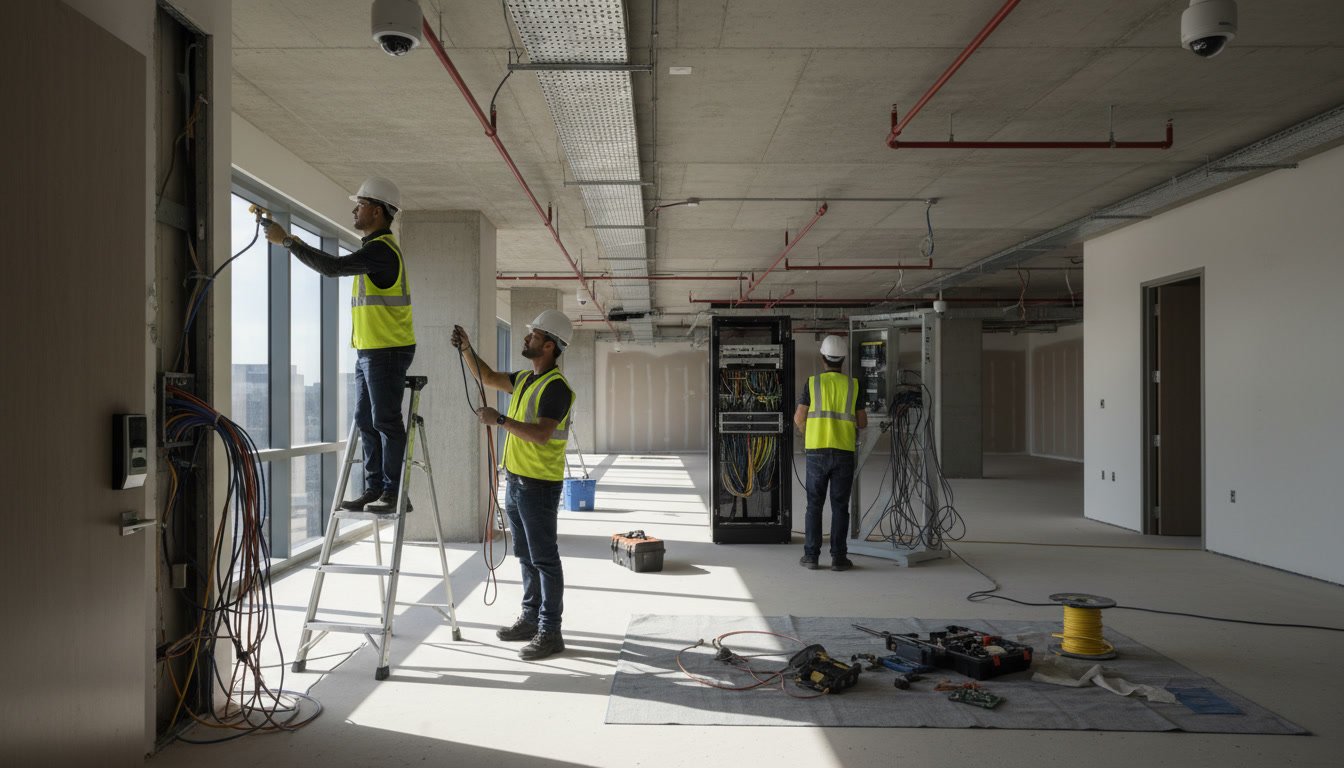
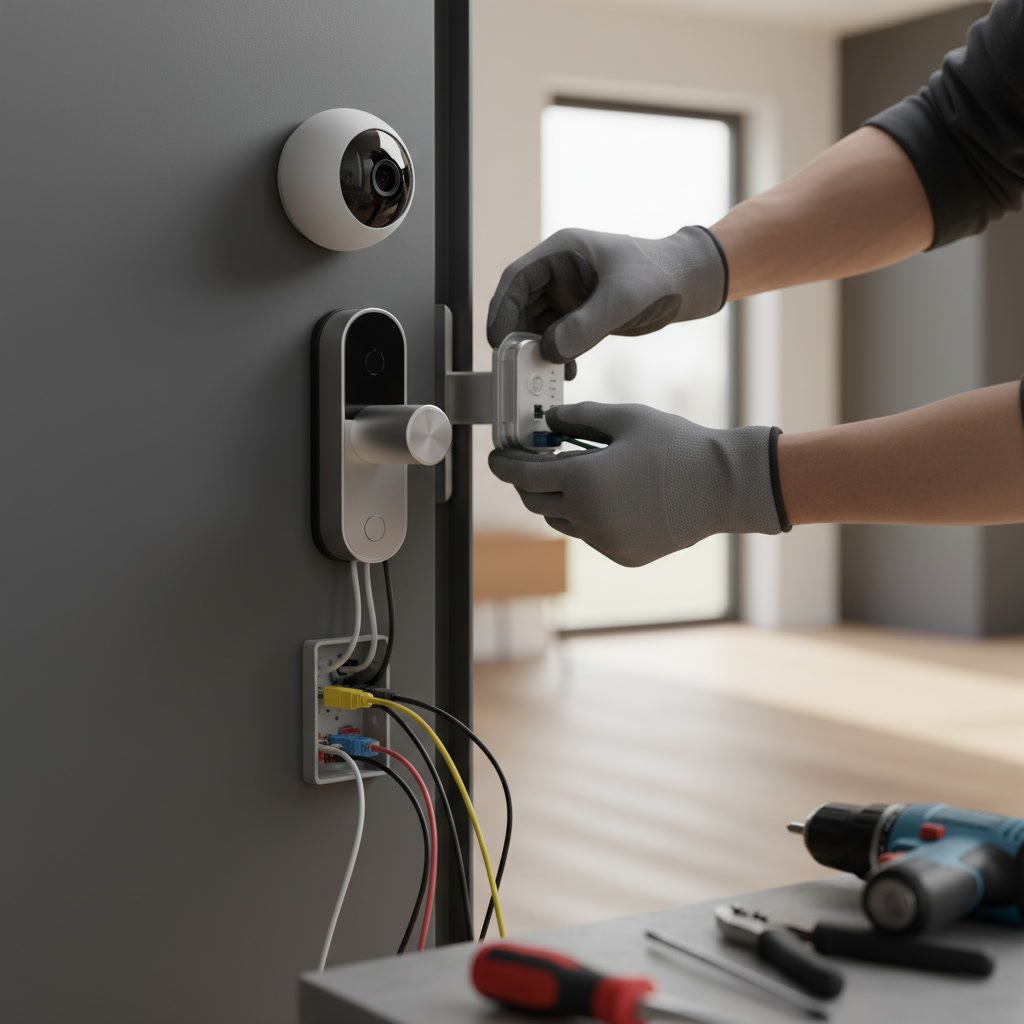
Setting up an integrated system follows a logical sequence. First, install the central hub and connect it to your router. Second, pair the smart lock to the hub by following the manufacturer’s pairing mode instructions, typically done through the mobile app. Third, mount the security camera within range of the hub and add it to the same app. Fourth, configure automation rules that define how devices interact, such as having the camera record whenever the lock status changes. Fifth, test the system by locking and unlocking the door while watching the camera feed to confirm both devices respond correctly. Professional installation ensures each step is completed without network conflicts or mounting errors.
Smart Automation Rules That Enhance Security in Ashland Homes
Homeowners in Ashland benefit from automation rules tailored to local needs. You can set the system to automatically lock all doors at 10 p.m. and activate cameras for motion recording overnight. If a camera detects motion at 3 a.m., it can trigger all smart locks to verify their locked status and send an alert. Geofencing rules can unlock your front door as you pull into the driveway, while the camera confirms your vehicle’s presence. These rules reduce the chance of human error, like forgetting to lock the door before bed.
Power and Battery Management for Continuous Operation
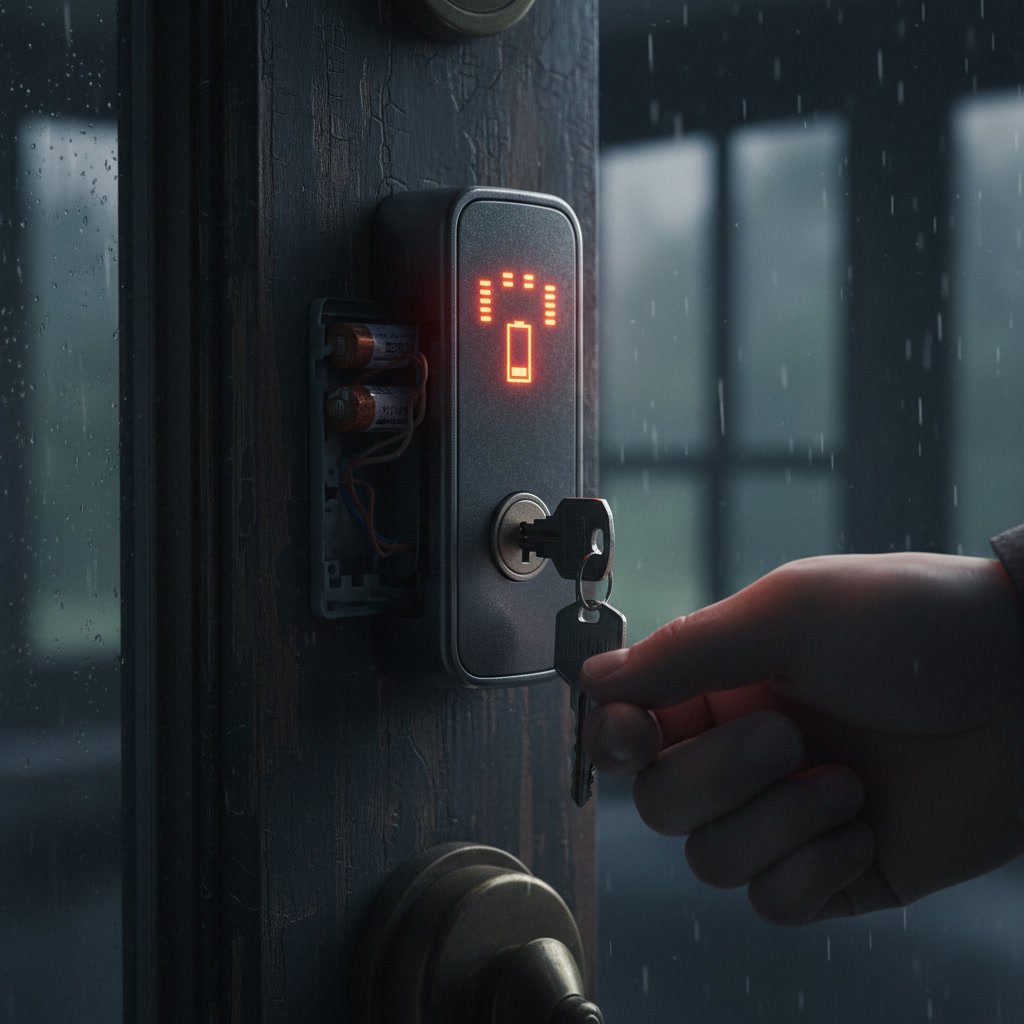
Integrated systems demand reliable power sources. Wired cameras draw constant power from electrical outlets or Power over Ethernet cables, ensuring 24/7 operation. Battery-powered cameras require recharging every few months depending on activity levels. Smart locks typically run on AA or rechargeable lithium batteries that last six to 12 months. Low-battery alerts sent to your phone prevent unexpected lockouts. If you notice your electronic lock behaving erratically, checking the signs your electronic lock battery is dying can help you avoid being locked out. Backup mechanical keys or secondary power ports provide fail-safe access if batteries drain unexpectedly.
Privacy Considerations and Data Security
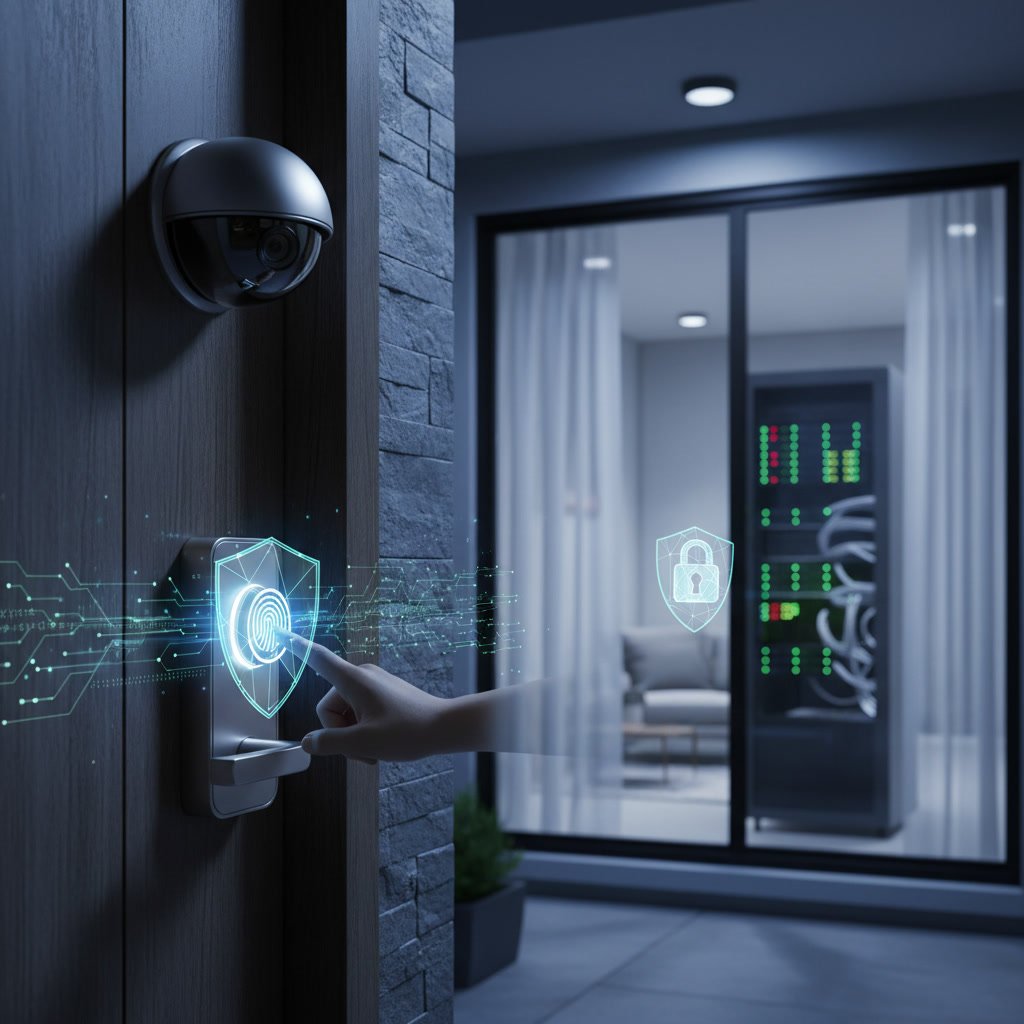
Cameras and locks generate sensitive data about when you leave and return home. Choose systems with end-to-end encryption that protects video streams and access logs from interception. Enable two-factor authentication on your mobile app to prevent unauthorized account access. Review your camera’s field of view to avoid capturing neighbors’ property or public sidewalks beyond your legal boundaries. Regularly update firmware on both devices to patch security vulnerabilities. Reputable systems allow local storage options, so video does not automatically upload to cloud servers where it might be subpoenaed or breached.
Troubleshooting Common Integration Issues
Even well-designed systems encounter occasional hiccups. If your camera and lock stop communicating, first check the hub’s internet connection and reboot your router. Verify both devices appear as online in the mobile app. Wireless interference from neighboring networks or large metal objects can weaken signals, so relocate the hub to a central position. Firmware mismatches between the hub and devices can break compatibility, so update all components to the latest versions. If your lock becomes unresponsive and you need immediate access, contacting a professional who provides emergency lockout services ensures you regain entry safely while preserving the electronic components.
Comparing All-in-One Systems Versus Mix-and-Match Setups
All-in-one systems from a single manufacturer offer guaranteed compatibility and unified customer support. They often include proprietary features like enhanced motion tracking or facial recognition that work only within their ecosystem. Mix-and-match setups give you flexibility to choose best-in-class devices for each function, but require careful research to confirm protocol compatibility. All-in-one systems simplify setup and troubleshooting, while mix-and-match setups allow incremental upgrades. Budget-conscious homeowners can start with a basic smart lock and camera, then expand to door sensors and window contacts over time. Professional installers who specialize in electronic security installation can recommend the best approach for your property layout and security goals.
Building a Security System That Grows with Your Needs
Modern integrated systems support expansion without replacing existing hardware. Start with entry doors, then add cameras for garage access, side gates, or basement windows. Many hubs support up to 50 connected devices, so you can incorporate motion sensors, glass-break detectors, and environmental monitors. Cloud-based platforms offer subscription tiers that scale with the number of cameras and storage duration. This modular approach spreads costs over years and lets you prioritize high-risk entry points first. As your household changes, you can add or remove user access codes, adjust automation schedules, and relocate wireless cameras without rewiring.
Why Professional Installation Delivers Long-Term Value
While some homeowners attempt DIY installation, professional service ensures optimal device placement, secure network configuration, and code compliance. Installers understand local building codes, optimal camera angles to avoid glare or blind spots, and how to route cables discreetly through walls. They configure encryption settings, create backup access methods, and train household members on system operation. A professional assessment identifies vulnerabilities like poorly lit entryways or doors with outdated strike plates that undermine even the best electronic locks. Solution Locksmith LLC combines traditional locksmith expertise with modern electronic security knowledge, offering installations across Ruther Glen and surrounding communities. Investing in expert setup reduces future troubleshooting calls and protects your property more effectively than trial-and-error methods.
Integrated camera and smart lock systems represent the current standard for residential security, offering real-time visibility and remote control that standalone devices cannot match. Proper installation, thoughtful automation rules, and regular maintenance ensure these systems perform reliably for years. Whether you are upgrading a single door or outfitting an entire property, the right combination of hardware and professional setup delivers peace of mind.
Solution Locksmith LLC provides comprehensive electronic security installation and smart lock services throughout Ashland, Fredericksburg, Richmond, and surrounding areas. Our technicians configure integrated systems that fit your property and lifestyle. Reach out at +15403392006 to schedule a consultation and protect your home with proven technology.