Professional access control installation commercial projects follow a structured process that transforms a building’s security infrastructure. The typical installation includes site assessment, hardware mounting, controller wiring, software configuration, credential programming, and employee training. Most mid-sized commercial installations take two to five days depending on the number of doors, building layout, and system complexity.
Business owners and property managers often find themselves confused about what to expect when upgrading from traditional locks to electronic access systems. The process involves multiple trades, careful coordination with daily operations, and technical decisions that affect security for years to come.
Why Commercial Properties Move to Electronic Access Systems
Traditional lock and key systems create significant management headaches for commercial properties. When an employee leaves, you must collect keys and potentially rekey locks if you cannot confirm all copies were returned. When contractors need temporary access, you either hand over keys that could be duplicated or assign staff to unlock doors manually.
Electronic access control solves these problems by giving you instant control over who enters which areas and when. You can issue a credential on Monday morning and revoke it Friday afternoon without touching a single lock. Systems generate audit trails showing exactly who entered each door and at what time, which proves invaluable during security investigations or liability disputes.
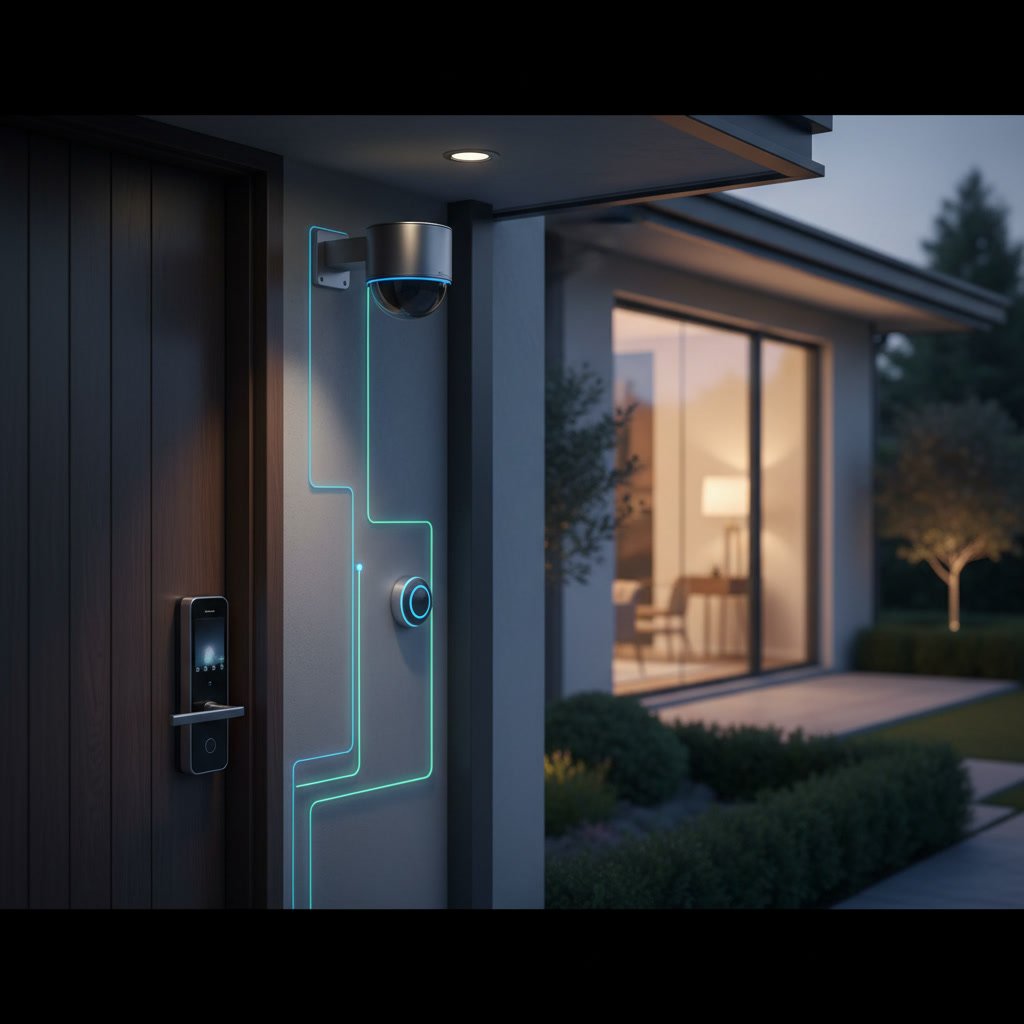
Modern systems also integrate with other building technologies. Your access control can trigger lights, adjust HVAC settings when the first employee arrives, send alerts when unauthorized entry attempts occur, and coordinate with video surveillance to capture footage of each access event.
Pre-Installation Assessment and System Design
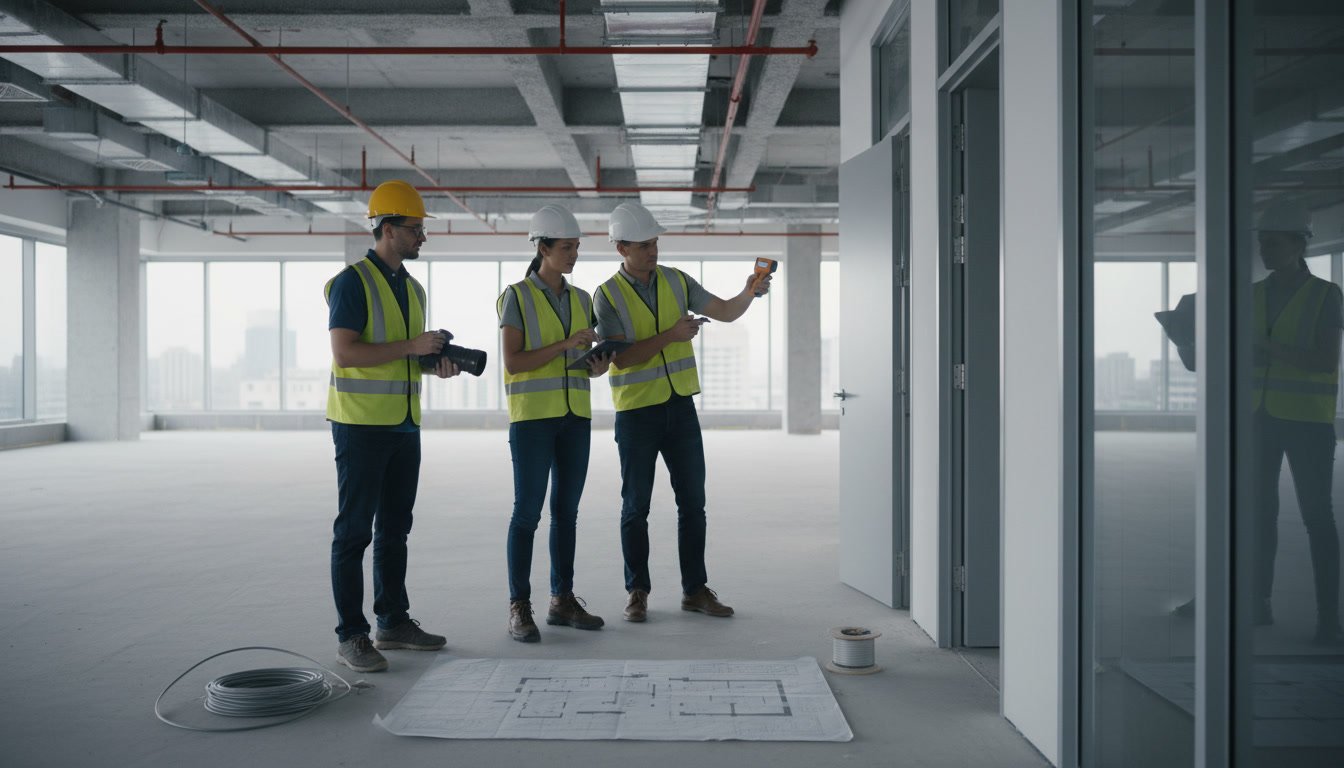
The installation process begins with a thorough site survey conducted by a qualified technician. This assessment examines every door you want to control, noting construction type, frame material, existing hardware, power availability, and network connectivity options. The technician measures door thickness, checks for metal frames that simplify magnetic lock installation, and identifies any architectural challenges.
During this phase, you will discuss your security zones and access level requirements. A typical office might have public entrance doors, general office areas, sensitive data rooms, and executive suites, each requiring different permission levels. The system designer maps out which employees need access to which areas and during what hours.
The assessment also determines whether you need additional infrastructure like network switches, power supplies, or backup battery systems. Many older buildings lack sufficient power near doorways and require electrical work before access hardware can be installed. Buildings with thick concrete walls may need additional wireless access points or hardwired network drops to ensure reliable communication between door controllers and the central server.
Selecting Hardware Components for Your Building
The system designer specifies hardware based on your doors and security requirements. Magnetic locks work well on metal-frame glass doors and provide 600 to 1,200 pounds of holding force, but they require constant power and fail unlocked during power outages. Electric strikes integrate with existing locksets and can be configured to fail locked or unlocked depending on your fire code and security priorities.
Card readers come in several technologies. Proximity cards use low-frequency RFID and remain common but can be cloned with readily available equipment. Smart cards with encrypted chips provide better security. Mobile credentials that use Bluetooth or NFC allow employees to use smartphones instead of carrying separate access cards, though this technology costs more upfront.
High-security areas might use multi-factor authentication combining a card or phone credential with a PIN code or biometric reader. The designer will also specify request-to-exit sensors, door position switches that alert you when a door is propped open, and any specialized hardware like crash bars with integrated electric locks for emergency exits.
Step One Through Three of Physical Installation
Installation day begins with protecting your workspace. Technicians cover floors and furniture near doorways, set up ladders and tools, and confirm power shutoffs if needed. Step one involves mounting the access control hardware on each door. This includes drilling holes for electric strikes or mounting surface hardware for magnetic locks, attaching card readers at the proper height, and installing request-to-exit buttons or motion sensors on the interior side.
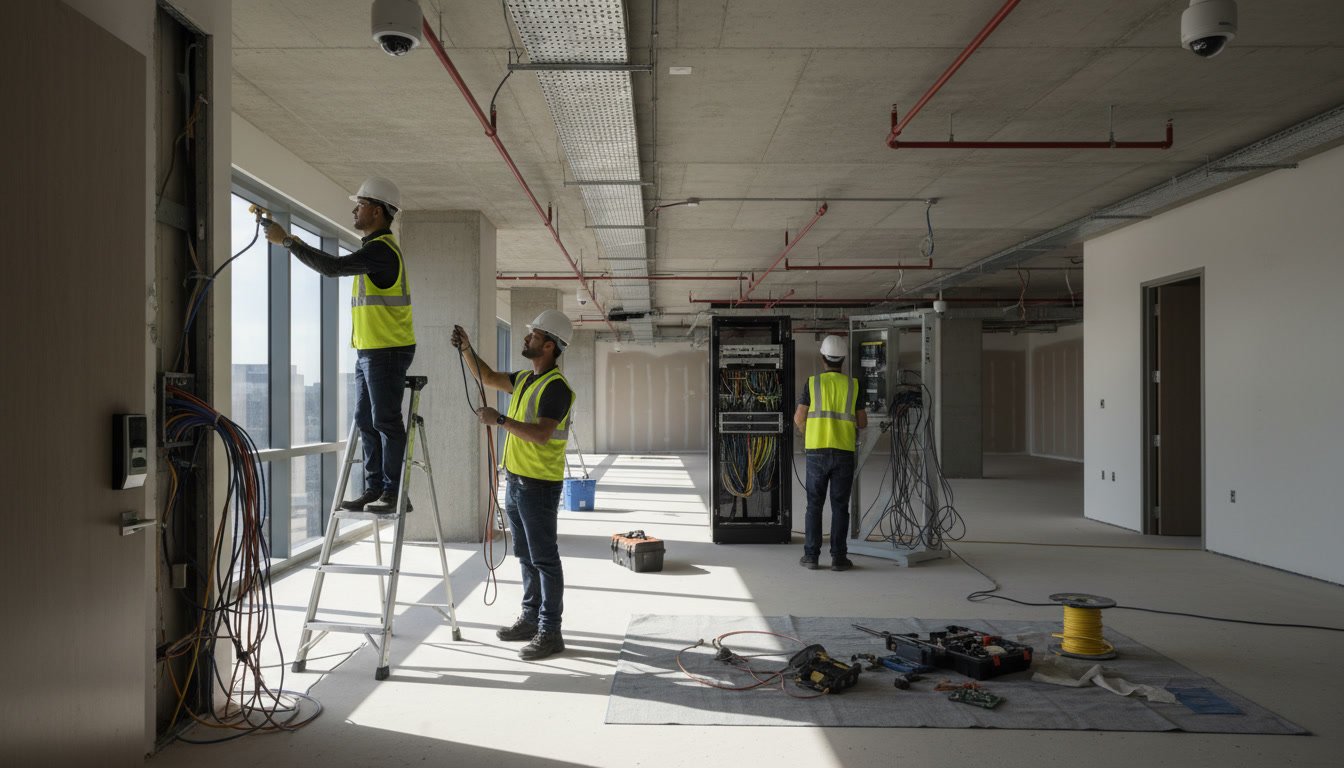
Step two runs all necessary wiring. Power cables connect from door controllers to locks and readers. Data cables link controllers back to the network, either through ethernet connections or wireless bridges. Proper cable management matters because exposed wiring creates tampering risks and violates electrical codes. Professional installers use conduit where required and secure cables above drop ceilings or inside walls where possible.
Step three mounts and connects the door controllers. These intelligent devices manage individual doors or small groups of doors, processing credential reads, controlling lock power, monitoring door sensors, and communicating with the central server. Controllers are typically installed in secure locations like electrical closets or above ceilings where unauthorized individuals cannot easily access them.
Software Configuration and Network Integration
After the physical hardware installation, technicians configure the access control software. This involves setting up the server software, defining your facility’s door schedule, creating access levels, and establishing rules for how the system responds to various events. The software maps each physical door controller and reader to its location in your building.
Network integration ensures the system communicates reliably. Technicians assign IP addresses, configure firewalls to allow necessary traffic, and test connectivity between all controllers and the central server. Cloud-based systems require stable internet connections and proper configuration of any backup communication paths.
The software setup also includes integration with other systems if required. Many commercial clients want their access control to work with electronic security systems including video surveillance, alarm panels, and building automation platforms. These integrations require API configurations, testing, and sometimes custom programming depending on the systems involved.

Credential Programming and User Database Setup
With the system operational, the next phase involves building your user database. This includes entering employee names, assigning unique credential numbers, defining which access levels each person receives, and setting any time restrictions or expiration dates. For card-based systems, each credential gets programmed with the proper codes using an encoder connected to the system.
Large organizations often integrate access control with HR databases to automate user provisioning. When HR adds a new employee to their system, that information automatically creates an access control account with appropriate permissions. When someone terminates, the system immediately deactivates their credentials without manual intervention.
The credential programming phase also includes printing cards if you use photo ID badges, configuring mobile credentials if your system supports phones, and setting up any visitor management workflows. Many modern systems allow reception staff to create temporary credentials for contractors or guests with predefined access restrictions and automatic expiration.
System Testing and Quality Assurance in Ashland Commercial Buildings
Thorough testing catches configuration errors before you depend on the system for real security. Technicians test every door by presenting valid credentials, invalid credentials, and no credentials to confirm the system responds correctly in each scenario. They verify that door position sensors accurately detect when doors open and that request-to-exit devices allow egress without requiring credentials.
Testing also includes failure mode verification. What happens when network connectivity drops? Does the system fail securely or does it compromise your building? What occurs during power outages? Battery backup systems get tested to confirm they provide the expected runtime. Emergency egress must always work regardless of system status to comply with fire codes.
For properties in Ashland, VA and surrounding areas, professional installers also verify the system performs reliably in local environmental conditions. Extreme heat and humidity can affect reader performance, and proper weatherproofing of exterior hardware matters for long-term reliability.
Staff Training and Administrative Handoff
Even the most sophisticated system fails if your staff cannot operate it properly. Comprehensive training covers both administrative functions and day-to-day user tasks. Administrators learn how to add and remove users, generate access reports, respond to alarm events, and perform basic troubleshooting. Reception or security staff learn how to issue visitor credentials and handle access requests.
Training should include both initial sessions and reference materials. Video tutorials, quick-reference guides, and documented procedures help staff remember processes they use infrequently. Many system providers offer ongoing support and refresher training as part of maintenance agreements.
The handoff also includes documentation of your entire system. This package should contain network diagrams, controller locations, credential formats, access level definitions, and any custom configurations specific to your installation. Proper documentation proves essential when you need repairs or want to expand the system years later.
Integration with Existing Security Infrastructure
Access control rarely operates in isolation. Most commercial installations integrate with video surveillance so cameras automatically record when someone uses a credential. This creates a visual audit trail linking each access event to footage of the person who entered.
Burglar alarm systems also benefit from integration. Your access control can automatically arm or disarm alarm partitions based on who enters and exits. If someone forces a door instead of using proper credentials, the access system immediately triggers an alarm. Some advanced integrations even adjust alarm sensitivity based on which employees are present in the building.
Building automation integration offers operational benefits beyond security. The access system can trigger heating or cooling when the first employee arrives each morning and power down systems when the last person leaves. Lighting controls can activate specific zones based on access activity rather than running on fixed schedules.
Post-Installation Support and System Maintenance
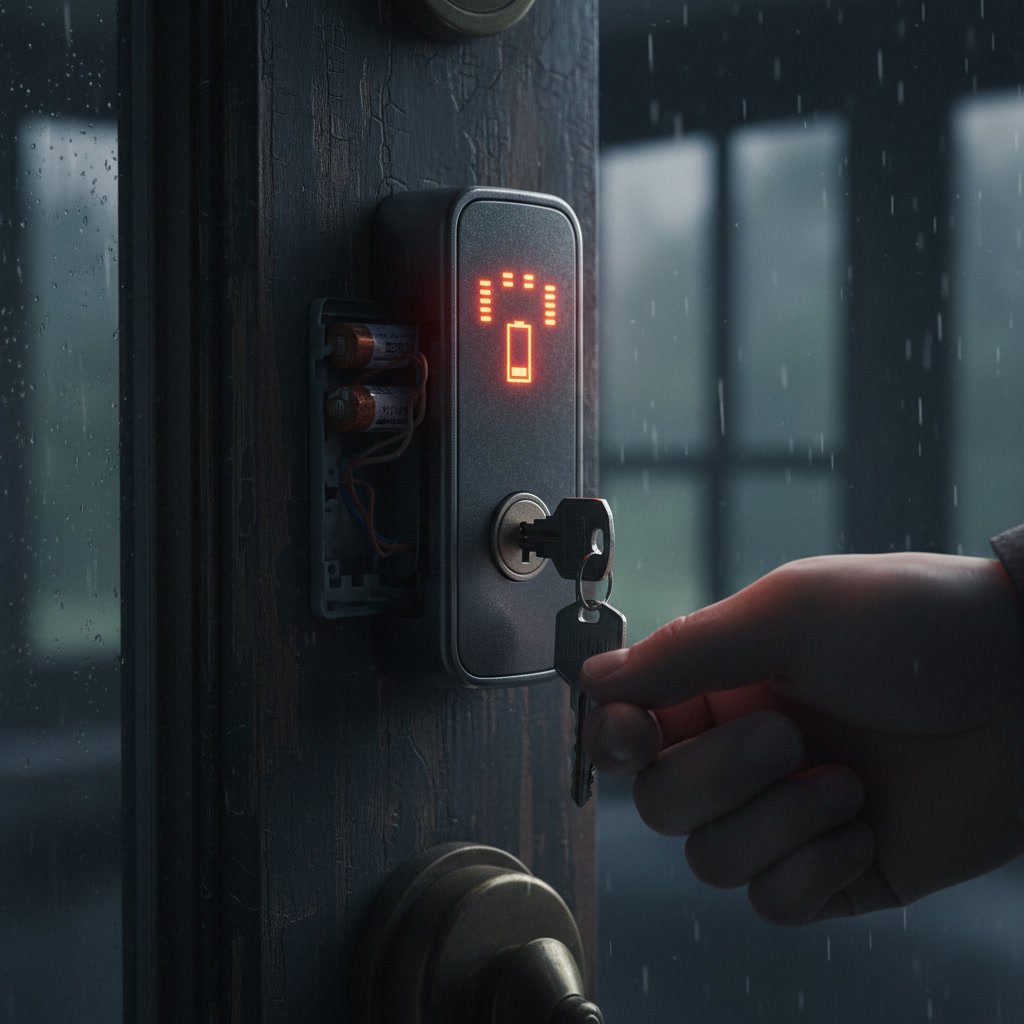
Your access control system requires ongoing maintenance to remain reliable. Regular tasks include testing battery backups, cleaning card readers, verifying door sensors function correctly, and updating software to patch security vulnerabilities. Most commercial clients benefit from quarterly or semi-annual service visits that catch small issues before they become security gaps.
The manufacturer releases firmware updates for controllers and readers that fix bugs and add features. Keeping systems current improves reliability and security, but updates require careful testing to avoid disrupting operations. Professional maintenance providers schedule updates during low-traffic periods and test thoroughly before declaring the work complete.
Support also includes expanding the system as your needs change. Adding doors to existing systems requires compatible hardware and proper network capacity. When you add a new wing to your building or acquire adjacent property, your access control infrastructure needs to scale appropriately. Working with the same provider who performed your initial installation ensures consistency and compatibility.
Protecting Your Business with Professional Installation
The difference between a professional installation and a substandard one becomes obvious within months. Properly installed systems deliver years of reliable service with minimal issues. Poor installations result in doors that fail to lock, credentials that work inconsistently, and security gaps that put your property at risk.
Professional installation ensures compliance with building codes, ADA requirements, and fire safety regulations. Installers coordinate with fire marshals to confirm emergency egress remains unobstructed and that fail-safe modes comply with local codes. They also verify installations meet insurance requirements, which sometimes mandate specific security measures for coverage.
Quality installers also plan for future needs. They run extra network cables to simplify adding doors later, specify controllers with unused capacity for expansion, and design systems that integrate with technologies you might adopt in coming years. This forward-thinking approach protects your investment and reduces costs when you need to upgrade or expand.
Choosing the Right Partner for Your Security Upgrade
Upgrading to electronic access control represents a significant investment in your property’s security infrastructure. The installation process requires technical expertise, careful planning, and coordination with your daily operations to minimize disruption. Understanding each phase helps you set realistic expectations, prepare your facility, and evaluate potential installation partners.
Successful projects start with detailed site assessments that identify challenges before installation begins. They proceed with quality hardware appropriate for your doors and security requirements, professional installation that meets all codes and standards, thorough testing, and comprehensive training that prepares your team to operate the system effectively. Ongoing maintenance keeps everything working reliably for years.
Solution Locksmith LLC provides comprehensive electronic security installation services for commercial properties throughout the region. Our experienced technicians handle every phase of access control installation from initial assessment through final training and ongoing support. To discuss your commercial security needs and schedule a site assessment, call +15403392006 and speak with our team.